


photoschmidt/Shutterstock
We may receive a commission on purchases made from links.
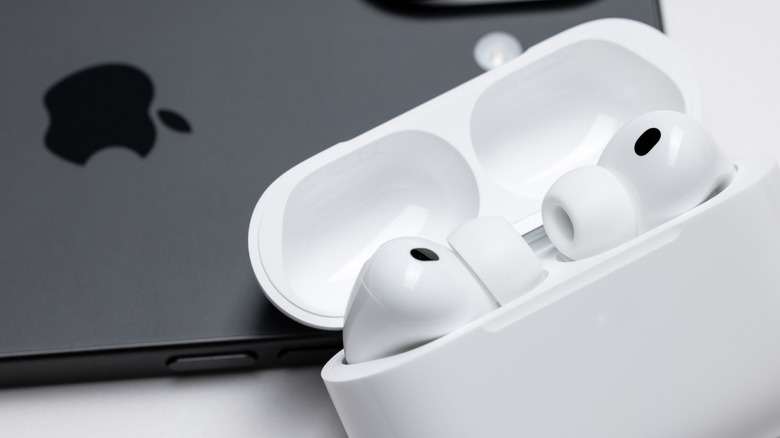
A pair of Apple AirPods is an accessory that can possibly soundtrack your whole day. That means those earphones need a solid battery life. The AirPods Pro 3 offers up to eight hours of listening on a single charge, with a full 24 hours using the charging case. Naturally, battery life was one of the key features we noted in our AirPods Pro 3 review, and even going back a generation or two, Apple AirPods are known for strong battery life.
However, the lithium-ion (Li-ion) batteries used in these AirPods are consumable products, meaning they will lose charging efficiency over time. Thankfully, there are easy ways to give those AirPods a longer battery life, like ensuring you’re charging them to the optimal level, but not beyond. Apple even has a software feature that can do this for you. So, until researchers figure out how to double the life of Li-ion batteries, it’s worth understanding how to stretch that battery life with a simple charging habit.
How to maintain battery efficiency in AirPods
StandbildCA/Shutterstock
Lithium ion batteries offer efficient energy storage and solid rechargeability, however, that efficiency doesn’t last forever. To lessen long-term decline, it’s important to understand that pushing these batteries to the limits of their operation (on either the high or low end) can affect performance. In the case of Li-ion batteries, that means not charging them to 100% every time, but also not letting them completely die on a regular basis.
In general, the best approach is to keep the charge between 20% and 80%. So how do you do this with your AirPods? You could target these percentages by charging your earbuds to 80% and then unplugging them, while making sure to plug them back in before the charge gets too low. But Apple makes this process easier with its Optimized Battery Charging feature.
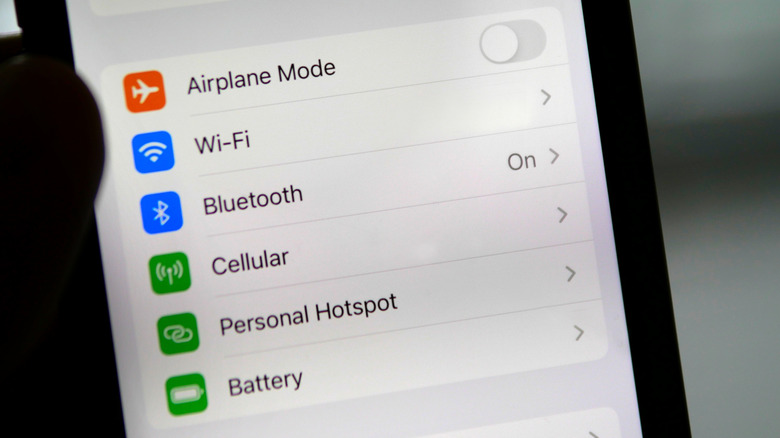
It automates the ideal charging process, by juicing the earbuds to 80%, and waiting until you’re ready to use them — by learning your usage behavior — before finishing the charge cycle. It’s a simple way to breathe extra life into your batteries — regardless of which Apple AirPods are best for you — and can be setup by opening your device’s Settings menu, tapping Charging, and toggling the Optimized Battery Charging option on.


 English