


Faisal Rasool has been a feature writer at How-to Geek since early 2024. He brings five years of professional experience in simplifying technology for his readers on topics like mobile devices, PCs, and online privacy. He tries to help people get the most out of their gadgets and software with the least effort.
In his teenage years, he spent hours every day tinkering with Android phones and Linux builds. Faisal started his career at WhatMobile in 2019 (mostly out of his obsession with Android) where he published over 2,000 news stories. Currently, he contributes to the news section over at AndroidHeadlines.
He also authored more than 100 feature articles for SlashGear, covering Android, iOS, Web, Chromebooks, online privacy/security, and PC content.
Faisal is also pursuing a Bachelor’s in English literature to build up his writing chops. He enjoys watercolors, classic video games, animated films, and conversations with strangers.
Jump Links
-
Your Phone is Not Measuring How Much Charge is Left
-
Android’s Battery Stats Fall Out of Sync With Battery Health
-
The Battery Percentage is Not a Meter, Just a Convenient Estimate
-
Third-party Battery Apps Can Provide More Precise Information
Summary
- Battery percentage is an estimate, not a precise measure of remaining charge.
- High-end phones use coulomb counting; cheap/old phones guess from voltage and are less accurate.
- Battery capacity shrinks with age; recalibrate with apps like AccuBattery to see true health.
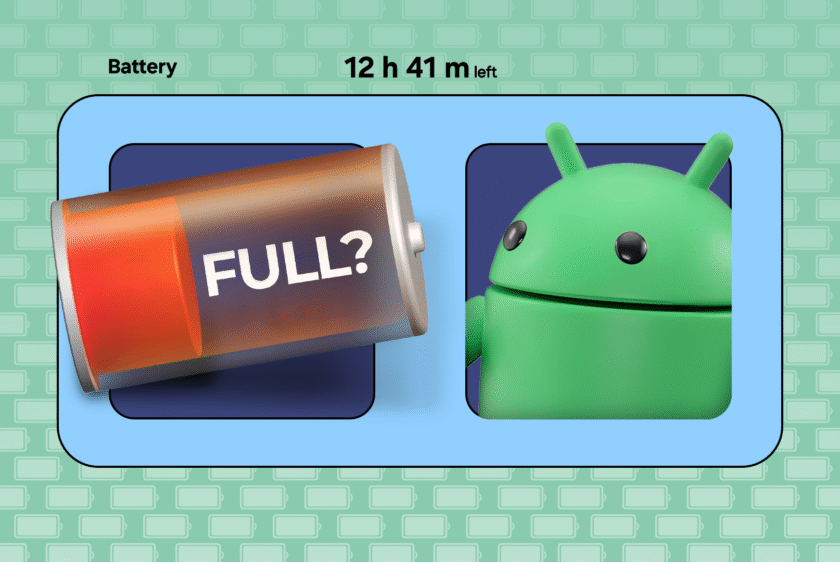
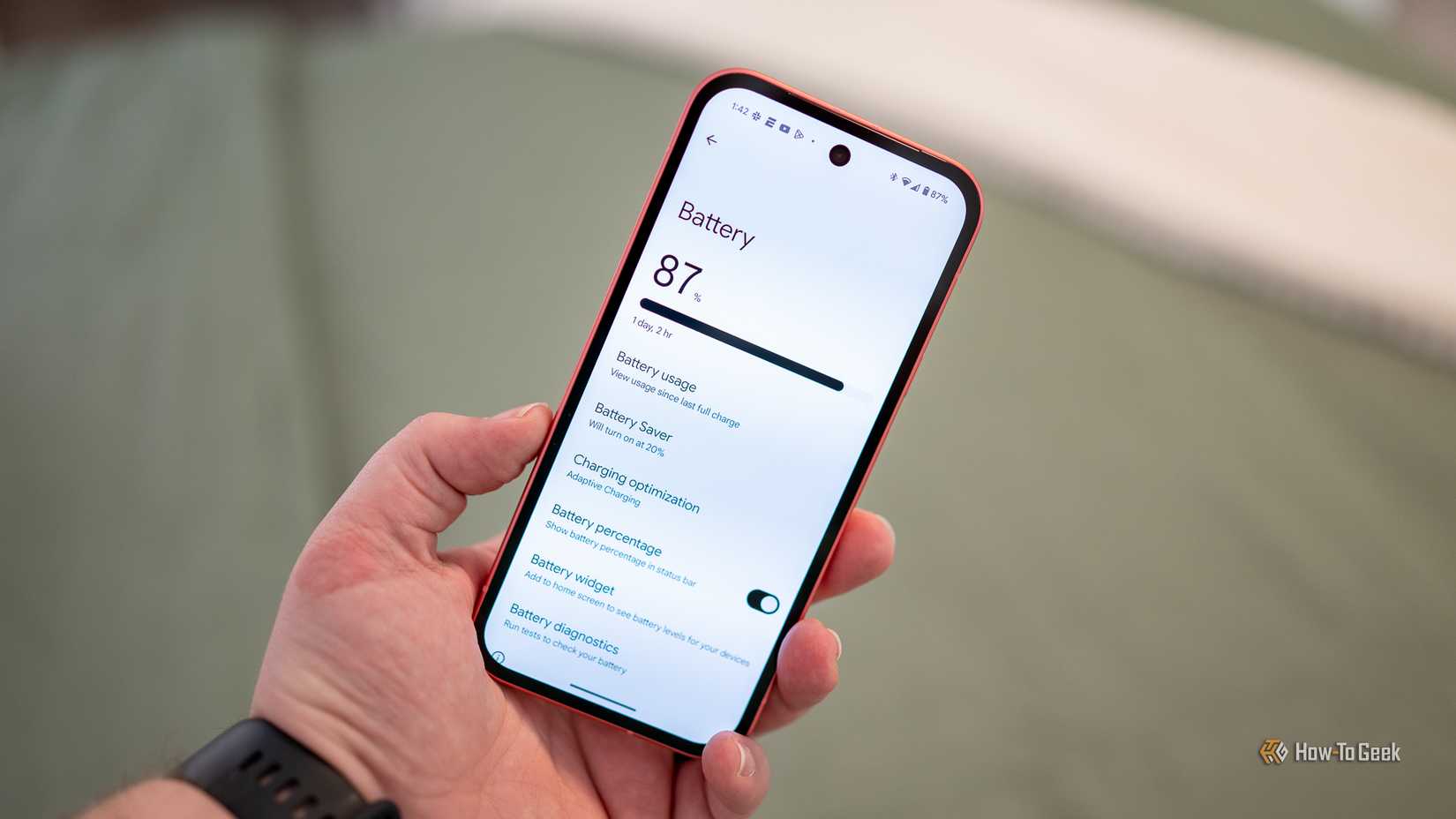
We assume that when the little battery icon in our phone’s status bar says “44%”, it means the battery has 44% charge left. Pretty simple, right? I no longer believe that, and the reasons why will probably change your mind, too.
Your Phone is Not Measuring How Much Charge is Left
Modern Android phones come with a dedicated piece of hardware that tracks how much “charge” is flowing in and out of the battery at the same time. Electric charge is measured in coulombs. Think of how you can measure water in drops instead of individual molecules. You can do something similar where coulombs are what drops are to water.
If you can count how many drops of water are going in or out of a water tank, and you know the tank’s capacity, you can sort of guess how much water is left in the tank. That’s kind of how Android estimates how much charge is left in the battery. The technique is called coulomb counting.
The raw logs are handed to the operating system, and if you look at this raw data directly, you will see a pretty clear and precise picture of the battery’s current state down to the millisecond level. It’s when the phone’s software compresses those hundreds of data points into an easily readable percentage that it becomes a rough estimate.
Unlike a gas or a fuel tank, however, the battery is a chemical and electrical system, so the estimates can never be that simple. It gets messier when you try to account for things like battery aging or phone usage.
Also, not every Android phone uses a coulomb counter. Cheaper and older phones just make guesses based on the voltage drops in the battery. As a battery discharges, its voltage drops, so you can roughly link the battery’s state to its voltage. It’s way less accurate than coulomb counting, though, and distorts more as the battery ages or gets hotter.
The point is that the percentage is always a little bit off, because even with the advanced sensors, a software algorithm is ultimately responsible for “smoothing” the raw data into an estimate.
Android’s Battery Stats Fall Out of Sync With Battery Health
A phone’s battery has a limited set of charging cycles (a battery charging to 100% and then draining to 0% makes one cycle). As it burns through those cycles, the battery capacity starts going down, too.
That’s why you have to charge older phones more often and why they don’t hold their charge for as long as they once did. If you started with a 5000 mAh battery, it will literally have about half that capacity (2500 mAh) after, say, four years of use.
Earlier, I mentioned that you need to know the battery’s full capacity to estimate its current state if you’re counting how much charge is flowing in and out of it (just like with water drops and a water tank). Now you can imagine why the counting estimate won’t work if you don’t know the current full capacity.
Android keeps working with the original assumption that the phone’s battery capacity is 5000 mAh, even when it has degraded to half that. So when the phone is brand new, the estimate is mostly accurate, but over time, it falls out of sync with the battery health and cycles.
High-end phones try to recalibrate the battery capacity stats by keeping track of the lost charging cycles. The problem is that charging cycles aren’t the only reason batteries age and slowly lose charging capacity. Your phone charging habits and the battery’s ambient temperature both factor in.
The Battery Percentage is Not a Meter, Just a Convenient Estimate
You might have noticed that the battery display gets stuck at 100% or 99% at times. It might stay there for 15 or 20 minutes and then jump to 85% in the next five minutes.
In the case of older or cheaper Android phones, which rely on voltage graphs to give battery estimates, the original data point isn’t precise to begin with, and when the OS rounds out the figures into a neat percentage, it drifts even further.
Even modern mid-range and high-end phones, which track the actual current flowing out of the battery, have to feed the raw data to the OS at regular intervals. Based on how often the OS samples that data or how it processes it into a smoothed percentage (whether it’s accounting for battery degradation, for example), the estimate changes.
When you go into the battery usage settings to see how much power the software and hardware components are drawing, those percentages never add up to 100%, and this is why.
Third-party Battery Apps Can Provide More Precise Information
If you want to get a better sense of a phone’s battery health (for example, when you’re buying a used phone), the best thing to do is to install a third-party app like AccuBattery or BatteryGuru.
These apps will have you run a full cycle by asking you to charge and discharge a phone fully. Once you do that, the app will show you helpful battery stats like the current capacity compared to the original.

Android’s battery stats are never exactly right because the system is too complicated to map onto a simple percentage.
![Nigerian Man Pulls Gun On VIO Officers During Roadside Clash In Abuja [Video]](https://zolairenergy.com/wp-content/uploads/2026/03/19860-nigerian-man-pulls-gun-on-vio-officers-during-roadside-clash-in-abuja-video-80x80.jpg)


 English