


Roine Bertelson is a Stockholm-based tech writer, translator, and digital strategist with more than twenty years of hands-on experience in AI tools, Linux, consumer tech, cybersecurity, and SEO-driven content. He’s known for turning complex topics into clear and practical guidance that helps readers solve real problems. People trust his work because he actually uses and tests the tools he writes about, breaks things on purpose, and translates the chaos of modern technology into advice that feels human, honest, and useful.
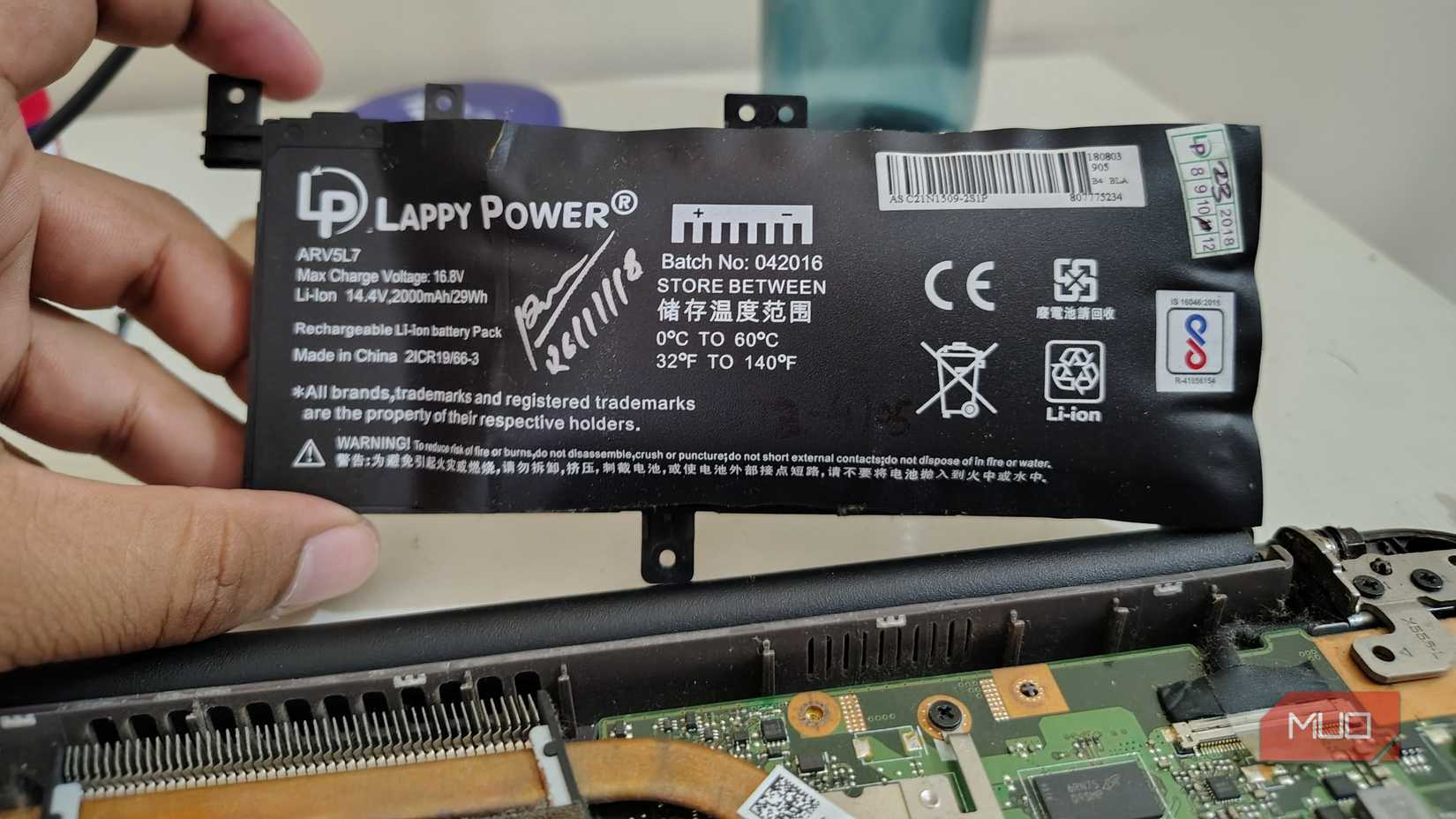
My old laptop didn’t suddenly die; it faded out of usefulness. What used to be a comfortable five or six hours off the charger slid into three. Then two. Then the kind of battery life where you start scanning cafés for wall sockets before you even sit down.
At first, I blamed the battery, since that’s the obvious villain. Batteries age, chemistry degrades, and time wins. But in this case, that didn’t add up.
The laptop wasn’t struggling when I actually worked. Writing and browsing were fine. Even light multitasking behaved. What wasn’t fine was how fast the battery drained while doing almost nothing. Fans spun at idle. Heat built for no reason. Power vanished while I stared at a blank document.
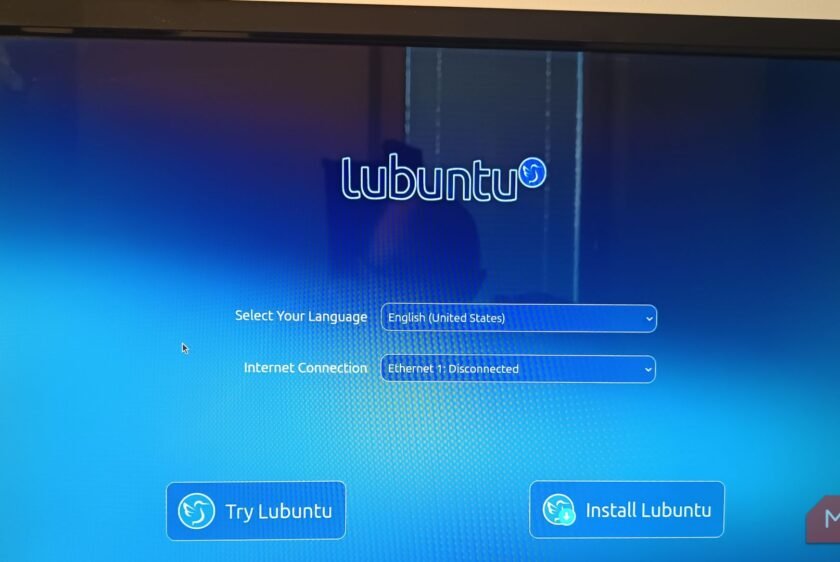
That’s when it clicked: this wasn’t a dying laptop. It was an exhausted one. So instead of replacing the battery, I replaced the operating system. The laptop wasn’t broken; it was overwhelmed.
Modern operating systems assume modern power budgets
An ecosystem that assumes a charger is always nearby is flawed

This machine is more than eight years old. In tech time, that’s ancient. And yet the hardware itself still held up. The SSD was installed years ago, and it had enough RAM to be comfortable. The keyboard was worn in like it had stories to tell. What didn’t hold up was the software’s expectations.
Modern operating systems assume wall power and constant connectivity. They presume background services can run forever because electricity is plentiful. Indexing, syncing, telemetry, animations, and assistants politely pretending to help all quietly drain the battery. At idle, the system never truly rested. The CPU stayed alert, and the fan stayed busy. The battery paid the price.
Older laptops don’t have the luxury of excess. They notice every unnecessary wake-up call.
Battery life is mostly a software problem
What your OS does when you’re not doing anything
Laptop battery advice usually targets your own behavior. You’re using too many tabs, running too many apps, or doing too much streaming. Sure, that matters. But that’s only half the picture, because the real problem lives in the background.
Every service that wakes the CPU, redraw that didn’t need to happen, and “just checking something real quick” process chips away at battery life. The CPU never reaches the deep-sleep state, so heat builds, fans spin, and power drains. Your battery doesn’t care why it’s being used; it just knows it is.
Once I stopped guessing and started observing system behavior, the pattern was obvious. The laptop wasn’t dying under load. It was dying under software bloat.
Why I chose Lubuntu
Calm, lightweight software that knows when to shut up

This is where Lubuntu is a great OS to download. I didn’t pick Lubuntu because it’s trendy; I picked it because it’s boring in all the right ways.
Lubuntu uses the LXQt desktop environment, which is lightweight without feeling stripped-down. It avoids heavy visual effects and doesn’t animate everything just because it can. It doesn’t assume your machine has power to burn.
More importantly, Lubuntu sticks close to Ubuntu’s massive hardware and driver ecosystem. That means strong compatibility without the overhead of a heavier desktop environment. There’s no driver roulette or obscure fixes; just working with hardware that has fewer background demands.
What I wanted wasn’t a “minimalist challenge.” I wanted software that respected my battery, and Lubuntu delivered exactly that.
The battery gains were boringly real
Same laptop, same battery, very different outcome

This is the part where I expected disappointment. Maybe there would be a small improvement, or just a placebo. Instead, I got consistency.
With Lubuntu installed, running the same workload I always do (browser-heavy research, writing, and light media consumption), I gained roughly 1.5 extra hours of battery life. There are no miracle numbers or fake benchmarks. Just steady, repeatable improvement.
Idle drain dropped significantly. When I closed the lid and walked away, I returned to find the battery percentage hadn’t collapsed while I wasn’t looking. Fans spun less often, and heat output dropped. The laptop stopped sounding stressed while doing nothing.
The biggest win wasn’t the number; it was freedom. I stopped carrying my charger everywhere like emotional support hardware.
Why Lubuntu actually improves battery life
Less background noise means more sleep time

Lubuntu didn’t magically improve battery chemistry. It just stopped wasting power. Here’s why it works:
- LXQt redraws and animates less
- Fewer background services run by default
- The CPU spends more time in deep sleep states
- Fans don’t spin unless there’s a real reason
- The system isn’t constantly phoning home
This matters more than people realize. Power efficiency isn’t about squeezing performance; it’s about letting hardware rest.
Lubuntu doesn’t demand attention. It waits patiently until you ask it to do something. That alone changes how an aging laptop behaves.
Linux didn’t save power—it stopped lighting it on fire.
It’s not a perfect experience for all cases. Not every proprietary app is available; some software ecosystems still live elsewhere. Occasionally, you’ll have to tweak a setting or install a driver manually.
But daily work in 2026 is mostly browser-based. Writing tools, collaborations, and research all live in tabs. Lubuntu runs all that effortlessly. The adjustment isn’t productivity; it’s a habit and a matter of muscle memory. When you let go of software that insists on being busy just to feel important, the laptop stops feeling old and starts feeling efficient.
Who Lubuntu is for
And who should skip it entirely

Lubuntu makes a lot of sense if:
- Your laptop still works, but drains too fast
- The battery is tired, not dead
- You value quiet, cool machines
- Your work lives in a browser or terminal
- You want fewer distractions, not more features
But this is not for you if:
- You rely on specific proprietary applications
- You refuse to touch settings under any circumstances
- Your battery holds minutes, not hours
- You expect software to fix broken hardware
Lubuntu gave my laptop room to breathe
I didn’t install Lubuntu to make a philosophical point. I did it because I was tired of fighting my own machine. Lubuntu didn’t make my laptop new. It made it calm, predictable, and capable again.
In a time where most are obsessed with replacing hardware, we forget how much perfectly usable machines suffer under bloated software. I didn’t upgrade my laptop; I stopped punishing it. And my battery noticed immediately.


 English